-
Solutions

Timesheets Management
Stop leaving money on the table. Procxo's AI integrated time tracking operates in the background.
Project Management
Procxo connects all the work your team does with the money your firm makes. Manage your deadlines, assignments, and budgets.
Invoice Management
Turn days of manual reconciliation into a single click. Procxo works in the background to automatically.
Contract Lifecycle Management
Accelerate negotiations, govern service level agreements (SLAs), and execute agreements flawlessly. Procxo unifies drafting.
-
Resources
Blogs
Read our latest insights, articles, and updates. Stay informed with industry trends and perspectives.
Case Studies
Explore real examples of our work and impact. See how we solve complex challenges.
Why Procxo
Built to streamline projects, billing, and financial workflows. Helping service professionals work smarter and grow faster.
FAQs
Browse answers to frequently asked questions. Find clear information about our services and processes.


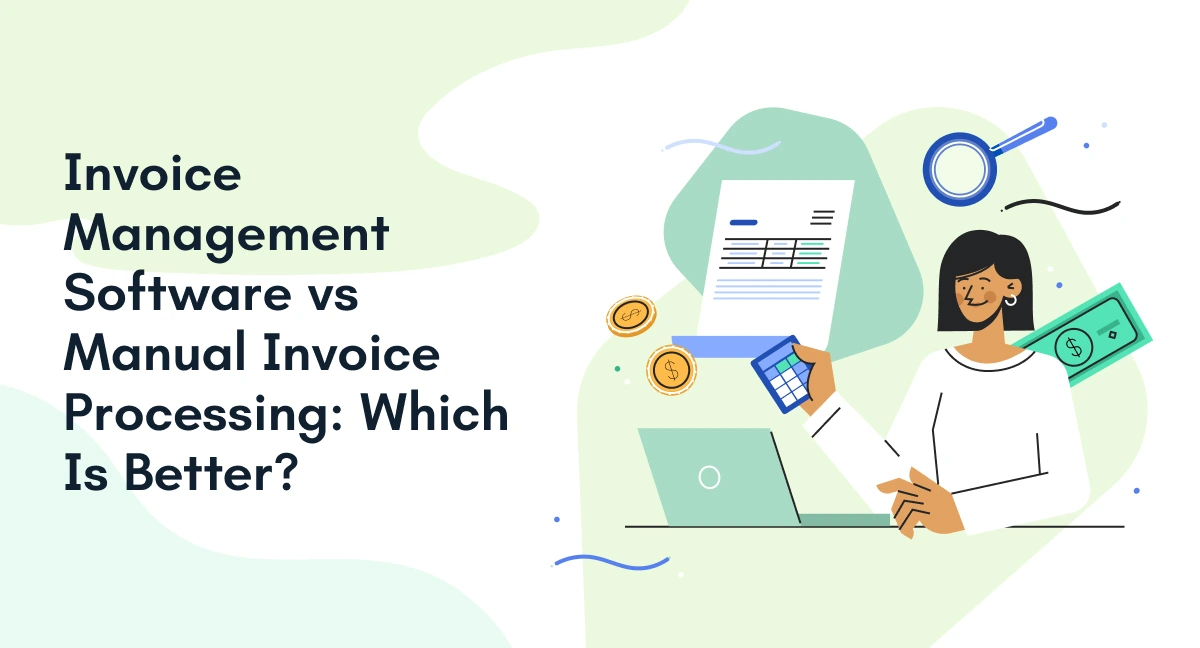
As businesses grow, managing invoices becomes more demanding. Finance teams must handle invoice creation, data entry, approvals, payment tracking, and financial records. When these tasks depend on spreadsheets, emails, and manual updates, delays and errors become harder to manage.
The choice between invoice management software and manual processing comes down to the volume of invoices, workflow complexity, and the level of financial visibility a business needs. Manual methods can work for basic operations. However, businesses handling frequent transactions may benefit from invoice automation and connected financial systems.
What is the difference between invoice management software and manual invoice processing?
Manual invoice processing relies on people to enter data, check details, route invoices, and update records. Invoice management software helps digitize these activities, automate repetitive tasks, and track invoices across defined workflows. The right approach depends on business requirements, system compatibility, and the controls needed for accurate financial records.

What Is the Difference Between Manual Invoice Processing and Invoice Management Software?
How does manual invoice processing work?
Manual processing involves creating or receiving invoices, entering relevant details, checking amounts, seeking approvals, and recording transactions in spreadsheets or accounting systems. Teams may also need to follow up with approvers and locate documents when questions arise.
What does invoice management software do?
An invoicing management system centralizes invoice information and helps manage tasks such as data capture, validation, approval routing, status tracking, and accounting integration. Depending on its capabilities, it can reduce repeated data entry and help teams maintain consistent records.
Invoice Management Software vs Manual Processing: What Are the Key Differences?
| Comparison factor | Manual processing | Invoice management software |
| Data entry | Details entered by staff | Data can be captured or populated automatically |
| Accuracy | Relies on careful entry and checking | Validation rules can flag inconsistencies |
| Processing speed | Depends on staff availability and handoffs | Automation can reduce repetitive work |
| Invoice workflow | Emails, spreadsheets, and manual routing | Configurable workflows and approval notifications |
| Status tracking | Updates may require manual follow-ups | Centralized invoice status and visibility |
| Record keeping | Files may be spread across folders and systems | Digital records can be organized and searchable |
| Reporting | Data may need to be compiled manually | Reports can use centralized invoice information |
| Scalability | More invoices can mean more administrative work | Automated tasks can support higher processing volumes |
The key difference is how each approach handles repeated tasks and information sharing. Manual processes give teams direct control over each step, but they depend heavily on consistent human input. Software can reduce repetitive work and make invoice status easier to track.
For example, if an invoice requires approval from a project manager and finance manager, a manual process may involve separate emails and spreadsheet updates. An automated invoice workflow can route the invoice to the appropriate people and record its status, depending on the configured rules.
Software does not automatically eliminate every error or delay. Incorrect source data, missing approvals, and integration issues can still affect results. Human review remains important for exceptions and financial controls.
How Does Invoice Automation Change the Invoice Workflow?
Invoice automation changes how invoices move between finance, project teams, approvers, and accounting systems. Instead of relying on manual updates at every stage, businesses can use defined rules and connected systems to handle routine tasks.
A typical automated invoice processing workflow includes:
- Invoice capture: Collect invoice details from digital documents or supported sources.
- Data validation: Check invoice numbers, amounts, supplier details, and relevant purchase order information.
- Approval routing: Send invoices to the appropriate approvers based on configured rules.
- Status tracking: Record whether an invoice is pending, approved, rejected, or ready for the next step.
- Accounting integration: Transfer approved information to connected finance or ERP systems where supported.
IBM’s guide to automated invoice processing explains how technologies such as optical character recognition (OCR), machine learning, validation rules, and approval routing support these stages.
How does automated invoice processing work?
Automated invoice processing captures invoice data, checks it against defined rules, routes it for approval, and updates connected systems. Exceptions still require human review, particularly when invoice details do not match purchase orders or supporting records.
For Procxo, the value extends beyond individual invoices. Its invoice management, project management, timesheet management, and contract lifecycle management capabilities support connected financial and operational processes. Integration with existing enterprise tools can help reduce duplicate data entry and improve visibility across systems.
When Should a Business Move from Manual Processing to Invoice Management Software?
Manual processing may remain practical when invoice volumes are low, and transactions follow a basic process. However, growing businesses should evaluate an invoice management system when they encounter these challenges:
- Increasing invoice volumes: Staff spend more time entering information and maintaining records.
- Approval delays: Invoices remain pending because teams rely on emails and manual follow-ups.
- Frequent corrections: Incorrect entries, duplicate records, or mismatched details require repeated checks.
- Limited financial visibility: Finance teams struggle to identify outstanding invoices, committed costs, or project-related expenses.
The business impact can be significant.

Is invoice automation worth it for a small business?
Invoice automation is worth evaluating when the time spent entering data, correcting errors, tracking approvals, and maintaining records outweighs the cost and effort of implementing software. Smaller businesses with simple invoice requirements may find manual processing sufficient until their workload or operational complexity increases.
What Should You Evaluate Before Choosing an Invoicing Management System?
Before adopting invoice processing automation, review how invoices move through your existing systems. The objective is to address specific operational gaps rather than purchase features your team may not need.
Consider these five factors:
- ERP and finance integration: Can the software exchange relevant information with your current systems?
- Approval controls: Can you configure approval routes according to roles, departments, or transaction values?
- Validation and exception handling: Can the system flag duplicates, missing information, and mismatches?
- Reporting and audit records: Can authorized users review invoice status, changes, and approval history?
- Implementation and ownership costs: Do subscription fees, integration work, training, and maintenance justify the expected benefits?
Procxo is designed to connect existing business tools with enterprise systems, including ERPs and finance applications. Its invoice management capability sits alongside project, timesheet, and contract lifecycle management, helping organizations connect financial information with the work and agreements behind it.
For businesses managing project-based work, this connection matters. Invoice records can be considered alongside project activity, recorded hours, and contract terms, depending on the configured integrations and workflows.
What Are the Three Types of Invoices?
Three common invoice types are:
- Standard invoice: Requests payment for goods delivered or services provided.
- Pro forma invoice: Provides a preliminary statement of expected charges before a transaction is finalized.
- Recurring invoice: Bills for ongoing services or subscriptions at regular intervals.
Invoice classifications vary depending on the purpose and jurisdiction. These are common examples rather than universal classifications.
Conclusion
The choice between invoice management software vs. manual processing depends on your transaction volume, approval requirements, and need for financial visibility. Manual methods may suit simple operations, but growing businesses often need better control over invoice data and connected workflows.
By reducing duplicate data entry and supporting synchronized financial information, Procxo helps teams maintain clearer records and improve oversight across their operations.
FAQs
Not always. Manual processing can work for a small number of basic invoices. Software becomes more useful when businesses need consistent approvals, searchable records, reporting, or integration with accounting systems.
No system can guarantee that all errors will disappear. Invoice automation can reduce repetitive data-entry errors and flag inconsistencies, but incorrect source data, configuration issues, and unusual transactions may still require human review.
The terms overlap. Automated invoice processing usually refers to capturing, extracting, validating, and routing invoice data. Invoice automation can describe a broader set of activities, including approval workflows, tracking, and integration with finance systems.
Yes, many solutions support ERP integration through native connectors, APIs, or other supported methods. Available capabilities depend on the software, ERP, and implementation. Businesses should verify compatibility before selecting a solution.