-
Solutions

Timesheets Management
Stop leaving money on the table. Procxo's AI integrated time tracking operates in the background.
Project Management
Procxo connects all the work your team does with the money your firm makes. Manage your deadlines, assignments, and budgets.
Invoice Management
Turn days of manual reconciliation into a single click. Procxo works in the background to automatically.
Contract Lifecycle Management
Accelerate negotiations, govern service level agreements (SLAs), and execute agreements flawlessly. Procxo unifies drafting.
-
Resources
Blogs
Read our latest insights, articles, and updates. Stay informed with industry trends and perspectives.
Case Studies
Explore real examples of our work and impact. See how we solve complex challenges.
Why Procxo
Built to streamline projects, billing, and financial workflows. Helping service professionals work smarter and grow faster.
FAQs
Browse answers to frequently asked questions. Find clear information about our services and processes.


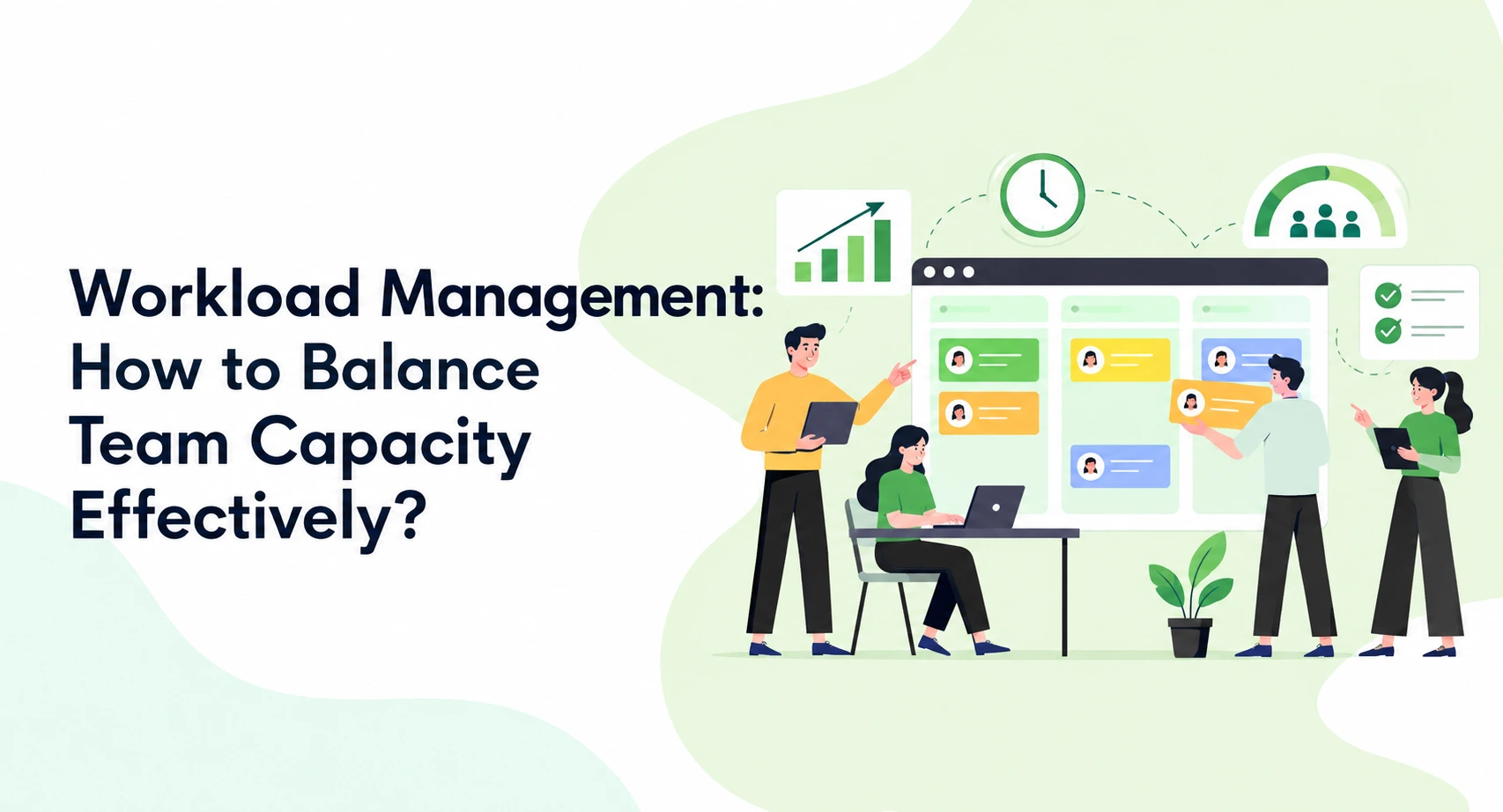
Managing several projects at once can stretch a team quickly. Deadlines overlap, priorities change, and specialists receive competing requests. Some employees struggle with excessive assignments. Others remain underutilized because managers lack visibility.
Effective workload management starts with understanding actual team capacity. Managers must consider availability, skills, commitments, and changing project requirements. Distributing tasks equally does not always create a balanced workload.
A practical workload planning process helps managers make better assignment decisions. It also supports employee productivity without placing unnecessary pressure on individuals.

What Is Workload Management, and Why Does Team Capacity Matter?
Workload Management is the process of planning, assigning, monitoring, and adjusting work. It helps managers align responsibilities with the capacity available.
Workload and capacity describe different things. Understanding that difference helps prevent unrealistic project commitments.
| Concept | Meaning |
| Workload | Effort required for assigned tasks and responsibilities |
| Capacity | Time realistically available for completing that work |
| Workload balance | Alignment between assigned work and available capacity |
Consider a developer assigned to three projects. Each project manager might consider their individual requests reasonable. Combined, however, those assignments could exceed the developer’s available hours.
That is why effective workload management is important. Managers need visibility across projects, not isolated task lists.
Poor workload balance can create several problems:
- Missed deadlines when commitments exceed available capacity.
- Uneven employee productivity when assignments are distributed poorly.
- Delivery delays when overloaded specialists become critical dependencies.
A balanced workload considers both business priorities and individual working conditions.
How Do You Measure Workload Capacity Before Assigning Tasks?
Start by establishing how much working time employees have. Scheduled hours alone rarely provide an accurate capacity picture.
Calculate actual available working hours
Use this simple formula:
Available capacity = Scheduled hours − Leave − Meetings − Other committed time
For example, an employee has 40 scheduled working hours. They also have four hours of planned leave. Meetings require another five hours. Administrative responsibilities take four more hours.
Their remaining capacity is:
40 − 4 − 5 − 4 = 27 hours
This illustrative calculation gives managers a more realistic starting point. It is not an industry benchmark.
During workload planning, include recurring duties and support responsibilities. Consider training, reviews, and other commitments too. Some work also requires uninterrupted focus, reducing practical availability.
Compare assigned effort against available capacity
Next, compare estimated task effort with available working hours.
| Team member | Available hours | Assigned hours | Remaining capacity |
| Designer A | 27 | 30 | -3 |
| Designer B | 32 | 24 | +8 |
| Developer C | 28 | 28 | 0 |
Designer A has a potential overload of three hours. Designer B has eight hours of remaining capacity. Developer C has no unassigned capacity.
These figures help managers identify possible workload conflicts. However, spare hours do not automatically make someone suitable for reassignment.
Skills, dependencies, deadlines, and task complexity still matter. Sound resource allocation considers these factors alongside availability.
What Is the Best Way to Manage Team Workload Effectively?
A repeatable process makes workload management easier to maintain. Use these four steps to assess, distribute, and review assignments.
Step 1. List all active work and commitments
Begin by collecting every significant responsibility across the team.
Include:
- Project deliverables, milestones, and scheduled activities.
- Meetings, reviews, approvals, and recurring duties.
- Support requests and operational responsibilities.
- Unplanned work that regularly interrupts project activities.
Do not rely only on formal project assignments. Employees often handle important work outside project plans.
Missing commitments can make overloaded employees appear available. A complete workload inventory gives managers a clearer picture.
Step 2. Prioritize tasks by urgency, impact, and dependencies
Not every request deserves immediate attention. Assess each task against three practical considerations.
| Consideration | Question to ask |
| Urgency | When must the task be completed? |
| Impact | What happens if the task gets delayed? |
| Dependencies | Which people or tasks depend on this work? |
A regulatory submission might have a fixed deadline. An internal presentation could have greater scheduling flexibility.
Workload planning should reflect these differences. Managers can then sequence tasks without treating every request equally.
Discuss conflicting priorities with stakeholders before changing commitments. This reduces confusion and makes scheduling decisions easier to explain.
Step 3. Match assignments to skills and capacity
Choose employees based on availability, expertise, and task requirements. Consider the effort involved and existing project responsibilities.
For example, one specialist might be handling several urgent technical reviews. Another qualified colleague could take a suitable review. The specialist can then focus on tasks requiring their expertise.
This approach improves resource allocation without simply transferring pressure elsewhere.
Equal hours do not necessarily create equitable workloads. Complex assignments may demand more concentration or specialist knowledge.
Managers should also consider employee experience and development needs. New responsibilities may require training or additional review time.
Step 4. Review and rebalance assignments regularly
A workload plan should change when project conditions change.
Review assignments when:
- A deadline moves forward or slips.
- New work enters the project.
- Estimates differ significantly from actual effort.
- An employee becomes unavailable.
- A dependency creates unexpected delays.
Regular reviews help managers identify emerging conflicts. They also create opportunities to discuss pressure before it becomes persistent.
Effective workload management is an ongoing responsibility. It requires timely adjustments, not just an initial allocation exercise.

How Can You Balance Workloads Across Multiple Projects?
Balancing several projects requires a shared view of team commitments. Reviewing each project separately can hide overlapping assignments.
Now, consider a developer supporting three project managers. Each manager assigns eight hours of work. The combined commitment reaches 24 hours.
That might seem manageable at first. However, meetings, support requests, and other duties could push the total beyond available capacity.
Managers can address this through three actions.
- Review shared resources across projects. Identify employees assigned to multiple initiatives. Compare their combined commitments against realistic availability.
- Resolve competing priorities. Discuss conflicting deadlines with relevant stakeholders. Agree on which deliverables require attention first.
- Adjust assignments and timelines. Move suitable tasks to qualified colleagues. Revise commitments when additional capacity is unavailable.
This approach makes workload planning more realistic. It also supports resource allocation based on organization-wide priorities. Avoid solving every conflict through overtime. Persistent overload may indicate unrealistic estimates or insufficient staffing.
When Should You Use Workload Management Software for Project Teams?
Spreadsheets may work for small, stable projects. Multiple teams and changing commitments can make manual tracking harder.
Workload management software for project teams can improve visibility. It helps managers review assignments and identify capacity conflicts.
What capabilities should project managers look for?
| Capability | How it supports workload management |
| Workload visibility | Shows assignments and estimated effort across projects |
| Capacity tracking | Compares commitments with employee availability |
| Resource scheduling | Supports assignments based on skills and availability |
| Time tracking | Records actual effort for future estimates |
| Project reporting | Highlights workload conflicts and delivery risks |
Different software categories support different parts of this process.
Task and project management software organizes tasks, ownership, deadlines, and progress. It helps teams understand responsibilities and project status.
Project time management software records time spent on activities. Historical data can improve estimates and future workload planning.
Resource and project management software connects resource availability with assignments and project schedules. This helps managers assess competing demands.
Professional services automation software can connect resource planning with project delivery. Depending on its capabilities, it may also support timesheets, invoicing, and financial visibility.
Workload management software for project teams is particularly useful when employees serve multiple projects. Managers can assess assignments without relying on separate project views.
However, software cannot replace sound management decisions. Accurate data, realistic estimates, and regular reviews remain essential.
How Can You Tell Whether Your Workload Management Process Is Working?
Assess delivery outcomes alongside employee working conditions. No single metric provides a complete picture.
| Metric | What it helps managers understand |
| Capacity variance | Differences between assigned effort and available capacity |
| On-time delivery | Whether project commitments are being met |
| Overtime frequency | Whether workload pressure is becoming persistent |
| Estimate accuracy | Whether planned effort reflects actual work |
| Work in progress | How many tasks employees handle simultaneously |
Review these measures together. High utilization alone does not prove effective employee productivity.
Frequent overtime may indicate unrealistic schedules. Repeated estimate differences may require better planning. Too many simultaneous tasks may also slow delivery.
Use the findings to improve workload management. Discuss workload concerns directly with employees before making major changes.
Conclusion
Effective workload management requires accurate commitments and timely decisions. Managers need to understand how work moves across projects.
Procxo helps organizations connect existing tools and systems. Its platform integrates with ERPs, finance tools, and enterprise software. This supports real-time data flow, accuracy, and compliance.
Procxo connects timesheets, projects, and resource data to support workload management. Teams can track assigned work, monitor time spent, and identify capacity gaps. This helps managers balance workloads and make informed resource allocation decisions.
FAQs
List all tasks, assess urgency and impact, check dependencies, and assign work according to capacity. Review priorities when project conditions change.
Consider available time, skills, existing commitments, and task complexity. Equal task counts do not necessarily represent fair distribution.
It can improve assignment visibility and highlight capacity conflicts. Results depend on data quality and how managers use the information.
Workload represents the effort required by assigned responsibilities. Capacity represents the time realistically available to complete them.
Review workloads regularly and whenever significant changes occur. New deadlines, absences, and urgent requests may require immediate adjustments.
Reassess priorities, deadlines, and task requirements. Consider qualified reassignment or additional capacity when commitments cannot reasonably be met.
Time tracking records actual effort spent on tasks. Managers can use those records to improve their estimates and future assignments.