-
Solutions

Timesheets Management
Stop leaving money on the table. Procxo's AI integrated time tracking operates in the background.
Project Management
Procxo connects all the work your team does with the money your firm makes. Manage your deadlines, assignments, and budgets.
Invoice Management
Turn days of manual reconciliation into a single click. Procxo works in the background to automatically.
Contract Lifecycle Management
Accelerate negotiations, govern service level agreements (SLAs), and execute agreements flawlessly. Procxo unifies drafting.
-
Resources
Blogs
Read our latest insights, articles, and updates. Stay informed with industry trends and perspectives.
Case Studies
Explore real examples of our work and impact. See how we solve complex challenges.
Why Procxo
Built to streamline projects, billing, and financial workflows. Helping service professionals work smarter and grow faster.
FAQs
Browse answers to frequently asked questions. Find clear information about our services and processes.


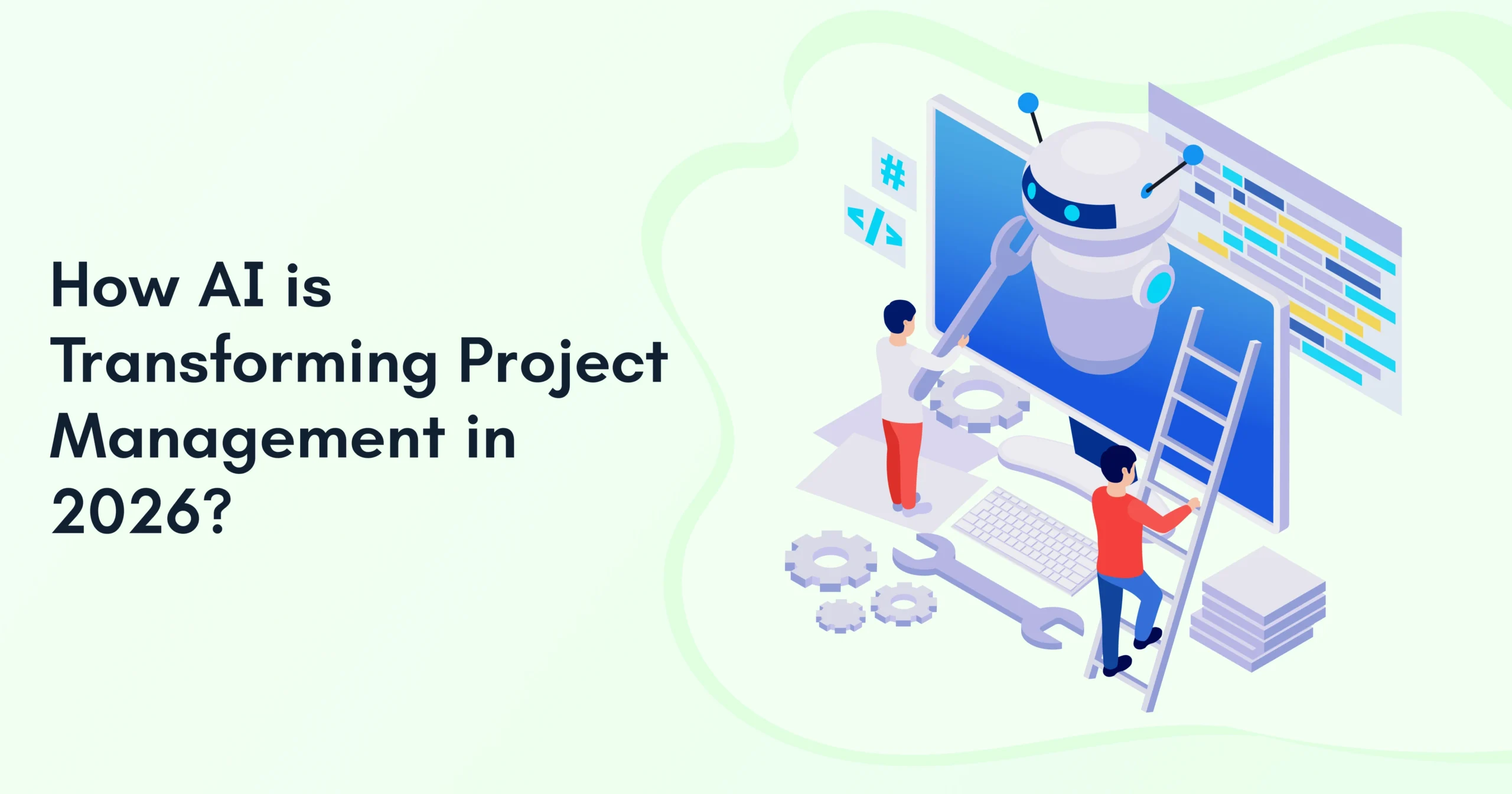
Every project manager knows the gut-wrenching feeling of a crumbling timeline. You open your enterprise software on Monday morning only to find out that a crucial task was missed because someone forgot to log their hours. A minor oversight cascades into a missed deadline, angry stakeholders, and a frantic team working late nights.
For years, we were promised that software would fix this. Instead, it gave us more work. Project managers today spend more than half of their week managing updates, copy-pasting numbers between spreadsheets, and fixing double data entry issues. Your high-level strategists are acting like expensive data clerks. The tools that were supposed to save time are actually draining your organization’s productivity.
However, the scenario has completely shifted in recent days. In 2026, AI project management is no longer a futuristic experiment or a simple chatbot plugin. It has evolved into a deeply integrated, proactive layer that connects the dots across your entire business ecosystem. Let’s look closely at how these changes solve your biggest operational problems and reshape the way teams work today.

Why Is Your Team Still Stuck at Manual Project Administration?
The short answer is disconnected systems. Companies use specialized software for timesheets, accounting, and task tracking, but these platforms are rarely integrated with one another.
This fragmentation forces project managers to act as human bridges. They spend hours manually reconciling financial data, cross-checking schedules, and following team members for basic updates. When data is trapped in separate silos, visibility drops to zero. This further makes it impossible to spot risks before they damage your productivity at its core. Here’s how it looks when you deal with manual data handling:
Siloed Tool A: Timesheets >> Manual Copy/Paste >> Siloed Tool B: ERP >> Increased Risk of Human Error >> Delayed Financial Reports
To see exactly how different the manual drain is compared to modern workflows, look at this breakdown:
| Operational Focus | The Old Manual Way | The Modern AI-Powered Ecosystem |
| Data Synchronization | Manual copy-pasting between timesheets, ERPs, and billing tools. | Real-time automated data flow across existing software setups. |
| Financial Visibility | Days or weeks of delay while waiting for month-end reports. | Synchronized, instant visibility into project budgets and burn rates. |
| Risk Detection | Discovered only after a milestone is missed or a budget is blown. | Predictive analytics that flag delays and resource constraints early. |
| Compliance & Audits | Frantic searching through legacy files and emails for paper trails. | Built-in, audit-ready accuracy with clear version histories. |
This structural gap is precisely where advanced project automation steps in. By eliminating the manual chore of data mapping, modern platforms transform messy operational inputs into clean, actionable business intelligence.
How Are AI Productivity Tools Eliminating the Errors of Double Data Entry?
Intelligent platforms now serve as the central brain for your existing tech stack, moving data effortlessly between tools. They catch human errors in real time, match timesheets directly to open invoices, and keep your software perfectly synced without manual intervention. Let’s see how it works:
Existing Tech Stack >> Intelligent Integration Layer >> Unified Live Ecosystem
Instead of forcing your staff to learn entirely new software, these systems fit into your existing business process. They pull data from your current legacy platforms, structure it automatically, and push it where it needs to go. This approach keeps your teams working in the interfaces they already know while removing the friction of manual uploads. Let’s study the tools further:
Smart Integration Triggers
Common features of this tool include:
- Instant ERP Matching: Automatically links frontline project hours to backend corporate ledgers.
- Automated Invoice Generation: Converts approved timesheet hours into accurate client bills instantly.
- Dynamic Scope Tracking: Updates financial forecasts the moment a project requirement changes.
Automated Reconciliation Systems
Common features of this tool include:
- Cross-Tool Validation: Checks data across multiple platforms to flag mismatched entries instantly.
- Continuous Compliance Checks: Scans line items against contract terms to prevent unbillable work.
- Self-Healing Data Fields: Fixes minor formatting errors across connected platforms automatically.
Live Financial Sinks
Common features of this tool include:
- Real-Time Burn Tracking: Shows exactly how much budget is consumed in real time.
- Predictive Margin Warnings: Alerts leadership if rising operational costs threaten profit goals.
- Instant Audit Trails: Keeps a permanent, unalterable log of every single automated data change.
This means you can say goodbye to the human errors that derail your financial tracking. When your core operational data updates globally in real time, your entire organization gains an unprecedented level of strategic clarity.
Why Is Real-Time Financial Visibility So Important in 2026?
Waiting until the end of the month to understand your project spend is an operational recipe for failure. Real-time numbers allow leadership to make quick decisions, shift resources dynamically, and protect profit margins before expenses spiral out of control.
Real-Time Cost Tracking + Dynamic Resource Allocation = Protected Profit Margins
Modern AI-powered project management software continuously analyzes your project expenses against your active budgets. It flags cost overruns the exact day they occur, giving your team a chance to pivot immediately. This consistent visibility builds deep trust with clients, who can now see exactly how their budgets are being used without any delays. Let’s see the benefits of real-time financial visibility:
Proactive Financial Safeguards
- Instant Overrun Alerts: Notifies project leaders the moment a work stream crosses its cost threshold.
- Dynamic Margin Mapping: Tracks expected profitability continuously throughout the execution phase.
- Automated Vendor Tracking: Matches supplier invoices against physical contract terms the second they arrive.
Intelligent Forecasting Tools
- Predictive Spend Analytics: Models future project costs based on historical performance patterns.
- Resource Cost Optimization: Suggests the most cost-effective team mix for upcoming phases.
- Scenario Stress-Testing: Simulates the financial impact of scope extensions before you sign them.
Unified Accounting Flows
- Bi-Directional Syncing: Keeps project software and main finance tools perfectly aligned.
- Automated Accrual Ledgering: Logs upcoming expenses automatically to keep balance sheets precise.
- Zero-Delay Closing: Speeds up your end-of-month financial wrap-ups by doing data checks daily.
According to the Project Management Institute (PMI), legacy management systems simply can’t keep up anymore. They weren’t built to handle the hyper-speed and sheer complexity of today’s business environment.
Source: Pulse of the Profession® 2026: Driving Success in Complex Projects: From Navigating Tasks to Navigating Systems (2026)
So, managing your numbers proactively changes the way you plan for the future. Instead of simply reacting to past mistakes, project leads can look ahead and design long-term strategies with absolute confidence.

What Do AI Tools for Project Managers Mean for the Future of Your Strategy?
The shift toward automation is fundamentally redefining what it means to be a project leader. Instead of spending hours chasing status updates, managers are stepping up as high-value strategic decision-makers.
Administrative Workload >> Automated by AI >> Strategic Business Growth
Advanced AI automation handles the time-consuming administrative tasks like scheduling meetings, writing summaries, and shifting tasks around calendars. This frees up your human leaders to focus on what computers can’t replicate. Your team gets more time to solve complex office politics, focus on creative problems, and keep your employees motivated. Here are a few ways AI tools help you strategize business decisions.
Advanced Analytics Engines
- Predictive Risk Scoring: Evaluates project health data to flag hidden operational bottlenecks.
- Historical Pattern Mining: Reviews past project data to create hyper-accurate schedule estimates.
- Anomalous Behavior Flagging: Spots sudden drops in workflow velocity before deadlines are impacted.
Context-Aware Work Management
- Dynamic Calendar Rescheduling: Automatically shifts daily task schedules when unexpected blockers pop up.
- Meeting Summary Engines: Transcribes project calls and extracts immediate action items.
- Automated Status Delivery: Sends customized progress reports to stakeholders based on their preferences.
Smart Workforce Management
- Skill-Based Task Assignment: Matches open tasks to the team members best equipped to handle them.
- Burnout Detection Signals: Monitors workloads to warn managers before an employee burns out.
- Capacity Planning Models: Predicts exactly when you will need to hire more staff for upcoming work.
This strategic shift empowers your business to deliver consistent, top-tier results. By building an operational structure that avoids human error, you create an environment focused entirely on growth and high-quality work.
How Does an Intelligent Procurement Ecosystem Guarantee Audit-Ready Accuracy?
True operational compliance cannot be achieved using siloed spreadsheets and manual checks. It requires a connected framework that automatically logs and verifies every single action, transaction, and hour worked across your entire enterprise.
Timesheets + Invoices + Contracts >> Immutable Digital Audit Trail >> Compliance taken care of
By connecting your project tracking directly to invoice management and contract lifecycles, you build a self-verifying operational loop. Every document is securely linked to its original point of entry, providing a clear, unchangeable history that makes corporate audits easier. The key legal checkpoints include:
Bulletproof Compliance Pillars
- Tamper-Proof Audit Logging: Captures a permanent digital record of every project data change.
- Automated Contract Matching: Checks vendor invoices against active contract agreements instantly.
- Strict Timesheet Verification: Ensures logged project hours perfectly match your labor compliance rules.
Proactive Legal Protections
- Early Renewal Alerts: Notifies legal teams well before key vendor contracts expire.
- SLA Compliance Tracking: Monitors project delivery metrics against your active service legal agreements.
- Automated Variance Flagging: Catches unexpected changes in pricing or scope before bills get paid.
Friction-Free Governance Systems
- Role-Based Access Rules: Keeps sensitive project financial data visible only to approved users.
- Standardized Approval Workflows: Routes invoices and timesheets through corporate channels automatically.
- Centralized Document Storage: Keeps all project contracts and financial records organized in one place.
As we have come to the end of the blog, let’s see what we have learned so far.
Conclusion
AI is transforming project management into a proactive strategic driver. It reduces manual effort, enhances financial visibility, and enables faster decision-making. By connecting project, finance, and procurement ecosystems, forward-thinking organizations can easily avoid workflow complexities. Procxo helps you transform your workflows by turning scattered data into a unified, high-performing system. We effortlessly bridge your current software tools, wiping out administrative waste and giving your team real-time financial visibility.
FAQs
They eliminate manual data entry, spot potential project risks early, and optimize resource allocation. This keeps your projects on time and within budget while freeing teams to focus on strategy.
Yes, modern platforms are built to integrate smoothly with your current ERPs, project trackers, and financial tools. They create a unified ecosystem without requiring your team to replace their favorite software.
Yes. It creates an automated, unalterable digital trail linking your timesheets, contracts, and invoices. This removes human data errors and ensures your records are always organized and compliant.
Not at all. Automation handles repetitive administrative tasks like status reporting and data syncing. This allows project managers to step away from busywork and focus on leadership and strategic growth.

Latest Blogs

16th September, 2026