-
Solutions

Timesheets Management
Stop leaving money on the table. Procxo's AI integrated time tracking operates in the background.
Project Management
Procxo connects all the work your team does with the money your firm makes. Manage your deadlines, assignments, and budgets.
Invoice Management
Turn days of manual reconciliation into a single click. Procxo works in the background to automatically.
Contract Lifecycle Management
Accelerate negotiations, govern service level agreements (SLAs), and execute agreements flawlessly. Procxo unifies drafting.
-
Resources
Blogs
Read our latest insights, articles, and updates. Stay informed with industry trends and perspectives.
Case Studies
Explore real examples of our work and impact. See how we solve complex challenges.
Why Procxo
Built to streamline projects, billing, and financial workflows. Helping service professionals work smarter and grow faster.
FAQs
Browse answers to frequently asked questions. Find clear information about our services and processes.


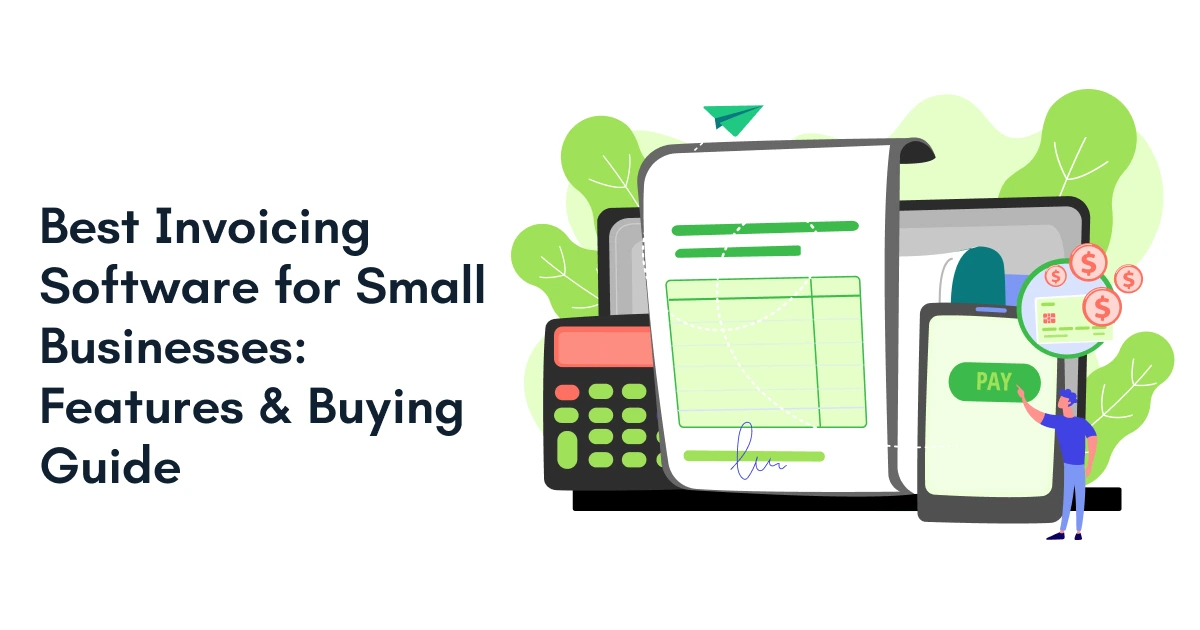
Running a small business means handling many responsibilities at once. You need to manage projects, track expenses, follow up on payments, and keep customers happy. Amid all this, invoicing often becomes an unexpected burden.
Factors like a missed invoice, a delayed payment, or a manual data entry error can disrupt cash flow quickly. That is why many growing businesses are turning to invoicing software to make billing easy, improve accuracy, and save time.
However, you need to choose a solution that’s suitable for your business, and not a generic one.
The best invoicing software does more than generate invoices. It connects with your existing business systems, automates processes, improves visibility, and supports long-term growth.
Whether you’re a startup, a growing SME, or a service-based business managing multiple projects, choosing the right invoicing software can simplify billing, improve cash flow, and support long-term growth.
In this guide, we will walk through the common challenges businesses face in invoicing. We’ll also learn about what features matter the most while choosing an invoicing software, and how to evaluate solutions. Finally, we’ll see why integrated platforms like Procxo are changing the way businesses handle invoicing and financial operations.
What Challenges Do Small Businesses Face Without Invoicing Software?
The biggest challenge businesses face is that manual invoicing creates delays, errors, and poor financial visibility. Businesses spend valuable time creating invoices, tracking approvals, and following up on payments instead of focusing on growth. As operations expand, these small inefficiencies become larger business problems. Let’s go through the problems one by one.
Manual Invoices Consume Too Much Time
Creating invoices manually often requires repetitive data entry. Hence, employees spend hours entering customer details, amounts, taxes, and payment terms. This increases administrative workload and leaves less time for strategic work. Here are few common pain points businesses face with manual invoices:
- Too many spreadsheets: Important billing information gets scattered across multiple files.
- Duplicate data entry: Teams enter the same information into different systems repeatedly.
- Tracking errors: Manual invoice management increases the risk of missing payments.
- Compliance concerns: Inconsistent records can create audit and reporting challenges.
- Poor team collaboration: Finance and operations teams often work with disconnected information.
Payment Delays Affect Cash Flow
A delayed invoice often means a delayed payment. When teams rely on spreadsheets or manual follow-ups, keeping track of outstanding invoices becomes challenging. As unpaid invoices pile up, revenue forecasts become less reliable and financial planning becomes more difficult.
Limited Visibility Impacts in Decision-making
Business owners need to know where their money stands at any given time. Manual invoicing systems often make it difficult to monitor invoice progress and identify payment bottlenecks quickly.
As a result, financial forecasts become less reliable and important business decisions may be based on incomplete information.
Businesses facing the above challenges typically begin looking for smarter solutions. That naturally leads to the next question which is the importance of billing software for growing businesses.

Why Is Invoicing Software Becoming Essential for Growing Businesses?
The importance of billing software grows from one single pain point, which is invoice management. As customer numbers increase, so does the amount of time spent creating invoices, tracking payments, and updating records.
Instead of managing everything manually, businesses can use invoicing software to streamline these tasks, gain better control over their finances, and scale more smoothly as demand grows.
Automation Reduces Administrative Work
Automation eliminates repetitive invoicing tasks. Invoices can be generated, sent, and tracked automatically. This allows teams to focus on higher-value activities. Key benefits of automation include:
- Generates invoices automatically and reduces human error.
- Shows invoice status from creation to payment.
- Reduces manual mistakes and duplicate entries.
Faster Payments Improve Cash Flow
Late payments can disrupt even the most carefully planned budgets. Automated invoicing and payment reminders ensure customers receive the right information at the right time, reducing the chances of missed due dates. This leads to quicker collections, healthier cash flow, and better financial stability.
Better Reporting Supports Better Decisions
Modern dashboards provide real-time billing insights. Business leaders can view invoice status instantly. This supports faster and more confident decision-making. Key benefits include:
- Keeps all billing information in one location and maintains centralized records.
- Provides professional invoices and transparent payment processes leading to better customer experience.
- Supports business growth without increasing administrative effort.
As businesses recognize these benefits, the next step is understanding which features truly matter.
What Features Should You Look for in the Best Invoicing Software?
The best invoicing software combines automation, visibility, integration, and usability. It should simplify processes rather than create additional work. This is especially important for businesses planning long-term growth.
- Automated invoice management: With effective invoice management, teams can monitor invoice lifecycles more efficiently.
- Online invoicing: Enables businesses to create and send invoices digitally where customers receive invoices instantly and more conveniently.
- System integrations: Disconnected tools create data silos. Integrated systems synchronize financial and operational information, improving accuracy across departments.
- Invoice management dashboard: Provides complete visibility across invoice workflows.
- Approval workflows: Aligns internal review and approval processes.
- Reporting and analytics: Offers insights into revenue and collections.
- Mobile accessibility: Allows teams to manage invoices from anywhere.
- Security and compliance: Protects sensitive financial information and supports audits.
One trend gaining attention today is the demand for connected business platforms rather than standalone tools. Now let’s address the most important buying question.
How Can You Choose the Right Invoicing Software for Your Small Business?
The right solution should align with your business size, workflows, growth plans, and existing technology stack. The goal is not simply to send invoices. The goal is to create an efficient and scalable financial process.
Identify Your Current Challenges
Identify bottlenecks in your billing workflow. Look at payment delays, approval issues, and reporting limitations. Your biggest pain points should guide your evaluation. The best approach to take here is as follows.
- Define billing requirements: Understand current invoicing and payment workflows.
- Review automation features: Identify opportunities to reduce manual tasks.
Evaluate Integration Capabilities
Software should work with existing tools. Strong integrations reduce disruption during implementation. This also improves user adoption. So, the things you should look for are:
- Check integration options: Ensure compatibility with existing systems.
- Assess reporting capabilities: Confirm access to actionable financial insights.
Plan for Future Growth
Many businesses choose solutions based only on current needs. A better approach is selecting software that supports future growth. Scalability prevents expensive platform migrations later. Here are few of the questions you should ask before buying:
- Can it integrate with my ERP or accounting software?
- Does it support recurring invoices?
- Can multiple users approve invoices?
- Does it provide GST/tax compliance support?
- Will it scale as my business grows?
The other things you should look for are:
- Consider team collaboration: Choose a solution that supports multiple stakeholders.
- Evaluate compliance features: Verify audit-ready processes and record retention.
- Plan for Growth: Select a platform that can scale as and when your business expands.
When these factors align, businesses are better positioned to invest in the right invoicing software for small business needs and future goals.
What Should Small Businesses Compare?
| Feature | Basic Billing Tools | Advanced Invoicing Software | Procxo |
| Invoice Creation | Yes | Yes | Yes |
| Automated Workflows | Limited | Yes | Yes |
| Invoice Management | Basic | Advanced | Advanced |
| Online Invoicing | Yes | Yes | Yes |
| ERP Integration | Rare | Varies | Yes |
| Project Management Integration | Limited | Varies | Yes |
| Timesheet Management | No | Limited | Yes |
| Financial Visibility | Basic | Moderate | High |
| Audit Readiness | Limited | Moderate | High |
| Scalability | Low | Moderate | High |
Key Takeaways
- Invoicing Software helps businesses align billing workflows and reduce manual work.
- Automated invoice management improves payment tracking and cash flow visibility.
- Integration with ERP, finance, and project tools reduces data duplication.
- Small businesses should prioritize automation, scalability, and reporting capabilities.
- Solutions that combine project management, timesheets, and invoicing offer greater operational efficiency.
- Procxo helps businesses build a connected procurement and financial ecosystem without disrupting existing systems.
According to Gartner, organizations continue prioritizing finance process automation to improve operational efficiency, reduce manual errors, and gain better visibility into business performance.
Source: Gartner Finance Technology Research & Insight

Conclusion
Choosing the right invoicing software is about more than creating invoices. The ideal solution should automate billing, improve cash flow visibility, simplify collaboration, and scale alongside your business.
Whichever solutions you choose should help your business in connecting the existing tools and systems to create a unified procurement and financial ecosystem. It should take invoicing software one step further by integrating invoice management, project management, and timesheet management, into a single platform. The result you receive should be better accuracy, stronger compliance, reduced duplication, and greater real-time visibility across the organization.
For businesses looking to grow without adding operational complexity, investing in the right invoicing solution can be a smart next step.
FAQs
Invoicing software is a digital solution that helps businesses create, send, track, and manage invoices while automating billing-related tasks.
Online invoicing speeds up invoice delivery, improves payment tracking, reduces paperwork, and supports faster collections.
Invoice management refers to the process of creating, tracking, approving, storing, and monitoring invoices throughout their lifecycle.
Integrated solutions connect invoicing with finance, ERP, project management, and operational systems, improving visibility and reducing manual work.
Key features include automation, reporting, integrations, invoice tracking, compliance support, and scalability.
Not when implemented correctly. Yes. An invoicing software with project management and time tracking capability helps businesses accurately capture billable work and generate precise invoices.
Not when implemented correctly. Procxo provides integrated invoice management capabilities that connect with existing ERP, finance, and project systems, helping businesses improve accuracy, compliance, and visibility.

Latest Blogs

16th September, 2026