-
Solutions

Timesheets Management
Stop leaving money on the table. Procxo's AI integrated time tracking operates in the background.
Project Management
Procxo connects all the work your team does with the money your firm makes. Manage your deadlines, assignments, and budgets.
Invoice Management
Turn days of manual reconciliation into a single click. Procxo works in the background to automatically.
Contract Lifecycle Management
Accelerate negotiations, govern service level agreements (SLAs), and execute agreements flawlessly. Procxo unifies drafting.
-
Resources
Blogs
Read our latest insights, articles, and updates. Stay informed with industry trends and perspectives.
Case Studies
Explore real examples of our work and impact. See how we solve complex challenges.
Why Procxo
Built to streamline projects, billing, and financial workflows. Helping service professionals work smarter and grow faster.
FAQs
Browse answers to frequently asked questions. Find clear information about our services and processes.


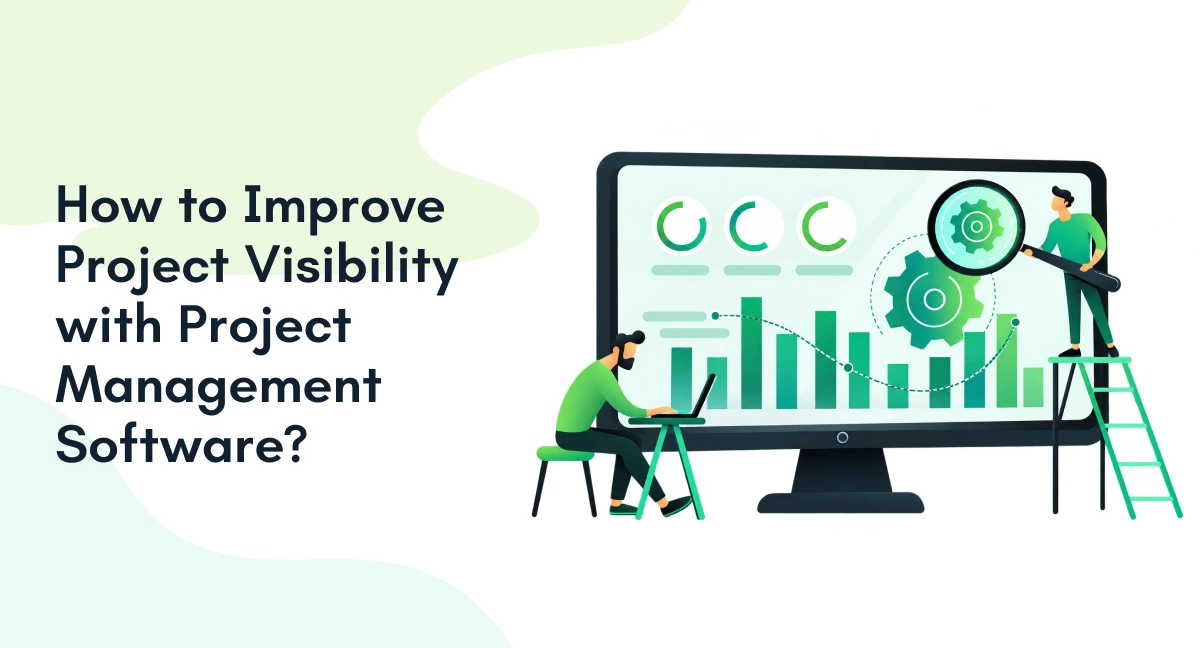
Project teams rarely struggle because they lack data. The bigger problem is finding the right information at the right time.
Project updates may sit across spreadsheets, emails, timesheets, finance systems, and separate project tools. A manager may know that tasks are being completed but still lack a clear view of project health, resource usage, deadlines, costs, or emerging risks.
How does project management software improve project visibility?
Project management software improves project visibility by bringing project data, task updates, timelines, resources, risks, and financial information into connected workflows. This gives managers a current view of project performance and helps them identify issues before they affect delivery.
For organizations managing billable projects, this visibility becomes even more important. Project progress needs to connect with hours, invoices, contracts, and financial performance.

What Does Project Visibility Mean?
Project visibility means having a clear and current view of what is happening across a project.
Good project visibility software should help teams answer five questions:
| Visibility area | What teams should see |
| Tasks | What is complete, active, delayed, or blocked? |
| Milestones | Are key deliverables progressing as planned? |
| Dependencies | Could one delay affect another activity? |
| Resources | Who is working on what, and where is capacity limited? |
| Financials | Are time, costs, invoices, and project value aligned? |
Having project data is not the same as having project visibility. A spreadsheet can contain hundreds of updates without showing which issue needs management attention.
What should project visibility software show?
It should show project status, milestones, task ownership, dependencies, resource allocation, risks, deadlines, and relevant financial information in a way that helps teams make faster decisions.
How Does Project Management Software Improve Project Visibility?
The value of project tracking software comes from connecting information that teams otherwise manage separately.
Centralizes project information
Teams can bring tasks, milestones, owners, deadlines, documents, and updates into connected workflows. This reduces the need to collect status information manually from multiple sources.
Enables project status tracking
Instead of waiting for weekly meetings, managers can monitor task progress, upcoming deadlines, blocked work, and milestone status as the project moves forward.
Makes dependencies and risks easier to identify
When tasks are connected, teams can see how a delay in one activity may affect another. This makes project status tracking more useful because managers can focus on issues that may influence delivery.
Connects project data with financial information
For service-based organizations, project visibility should extend beyond task completion. Timesheets, invoices, contracts, and financial systems can provide context around project performance.
This is where integrated project reporting software becomes more valuable than isolated reporting tools.
How does project management software improve project visibility?
It improves visibility by connecting operational and financial project information, automating updates, and giving different stakeholders access to the information they need to monitor progress and act on risks.
6 Ways to Improve Project Visibility with Software
- Standardize project statuses
Start with consistent status definitions. For example:
Not Started >> In Progress >> At Risk >> Blocked >> Completed
Without common definitions, one team may mark a project “on track” while another considers the same condition a risk. Standardized statuses also make portfolio reporting more reliable.
- Build dashboards around decisions
A useful project dashboard should not simply display more data. It should highlight information that requires attention.
Depending on the stakeholder, this could include:
- Project health
- Upcoming milestones
- Delayed tasks
- Risks and issues
- Schedule variance
- Project costs and billable hours
This turns project visibility tools into decision-support systems rather than data repositories.
- Make dependencies visible
A missed deadline does not always stay within one task.
A delayed approval can affect development. A delayed deliverable can affect invoicing. A contract change can affect scope, timelines, and project costs.
Dependency tracking helps teams understand these connections before they become larger delivery problems.
- Automate project updates and alerts
Manual status collection can consume valuable project management time.
Software can automate deadline reminders, status notifications, escalation alerts, approval requests, and recurring reporting.
This does not remove the need for project managers. It gives them more time to act on exceptions instead of repeatedly asking for updates.
- Give stakeholders the right project view
Different stakeholders need different levels of visibility. Project teams need tasks, owners, deadlines, and blockers. Project managers need risks, dependencies, workload, and progress. Finance teams need hours, costs, invoices, and financial status. Leadership and PMOs need portfolio-level trends and project health.
The best project reporting software supports these different views without requiring every stakeholder to work with the same level of detail.
- Connect project visibility to financial performance
For professional services and project-driven businesses, project visibility should not stop at delivery status.
A consulting project is 70% through its planned timeline, but the team has already consumed 85% of its estimated hours. A task-only dashboard may show the project progressing normally. A connected visibility system can surface the mismatch between progress and effort, prompting the project manager to investigate scope, staffing, or budget before margin is affected.
Timesheet data can show the hours spent. Contract information can establish commercial expectations. Invoice data can show whether completed work is moving toward billing.
Connecting these workflows creates a more complete picture of project performance.
Which Project Visibility Tools Should You Use?
The right project visibility tools depend on what your team needs to monitor.
| Visibility need | Useful capability |
| Task progress | Project tracking |
| Schedule | Timeline and milestone views |
| Dependencies | Dependency tracking |
| Resources | Workload and capacity views |
| Management | Dashboards |
| Performance | Project reporting |
| Financial visibility | Timesheet and invoice integration |
| Portfolio oversight | PMO software |
The objective is not to add another disconnected tool. It is to connect the systems your teams already use.
What are the best project visibility tools for growing teams?
The best tools are those that connect project tracking, reporting, resource information, and financial data while fitting into the organization’s existing technology environment.
How Can You Measure Whether Project Visibility Has Improved?
Implementing software does not automatically create better visibility. Teams can measure improvement through indicators such as:
- Time spent preparing status reports
- Frequency of outdated project information
- Number of overdue tasks
- Time taken to identify project risks
- Number of manual status follow-ups
- Schedule and budget variance
- Accuracy of billable-hour reporting
The key distinction is simple:
More project data does not equal better visibility. Better visibility means the right people can identify what needs attention quickly.
What Should You Look for in Project Visibility Software?
When evaluating project visibility software, look beyond task management.
Prioritize:
- Real-time project status tracking
- Custom dashboards
- Automated reporting
- Dependency tracking
- Resource visibility
- Risk and issue management
- Timesheet integration
- Invoice visibility
- ERP and finance integrations
- Portfolio-level reporting
For organizations already using ERPs, finance platforms, and enterprise applications, replacing every existing system may not be practical.
Instead, look for software that can work with those systems and create connected information flows.

When should a team consider PMO software?
Teams should consider PMO software when they need visibility across multiple projects, teams, resources, financial data, and priorities rather than tracking individual tasks alone.
How Can Teams Maintain Project Visibility Over Time?
Visibility needs consistent processes.
Define common project statuses, keep project information updated at the point of work, and review dashboards regularly. More importantly, connect project updates with the business processes that follow them.
For example, completed work should connect to recorded hours, approved work should connect to billing, and contract changes should be visible to the people managing project scope.
That is where connected systems can make project visibility more useful.
How Procxo Connects Project Visibility with Business Operations
Procxo works with your existing tools and systems rather than requiring teams to operate in isolated workflows.
Its project management capabilities can work alongside timesheet management, invoice management, and contract lifecycle management, while integrating with ERPs, finance tools, and enterprise software.
This helps organizations connect operational project information with the financial and commercial data surrounding it.
The result is a clearer view of project progress, recorded hours, invoices, contracts, and financial performance, without relying on repeated data entry across disconnected systems.
For teams looking beyond task-level tracking, that connected view can make project visibility more useful for both delivery teams and decision-makers.
FAQs
It connects project data, status updates, dependencies, resources, reporting, and financial information so teams can monitor project health from a more complete view.
Project visibility software gives teams a centralized view of project progress, milestones, resources, risks, dependencies, and other information needed for project decisions.
Useful project tracking software should include task tracking, status updates, milestones, dependencies, dashboards, reporting, alerts, and integrations with relevant business systems.
They can standardize project statuses, automate updates, maintain current task information, and use dashboards that highlight delayed work, risks, milestones, and dependencies.
Project reporting software can track project progress, milestones, deadlines, risks, resources, costs, hours, and other performance indicators based on the organization’s reporting needs.
They help PMOs compare project health, identify recurring risks, monitor resources, and understand portfolio-level performance across multiple initiatives.