-
Solutions

Timesheets Management
Stop leaving money on the table. Procxo's AI integrated time tracking operates in the background.
Project Management
Procxo connects all the work your team does with the money your firm makes. Manage your deadlines, assignments, and budgets.
Invoice Management
Turn days of manual reconciliation into a single click. Procxo works in the background to automatically.
Contract Lifecycle Management
Accelerate negotiations, govern service level agreements (SLAs), and execute agreements flawlessly. Procxo unifies drafting.
-
Resources
Blogs
Read our latest insights, articles, and updates. Stay informed with industry trends and perspectives.
Case Studies
Explore real examples of our work and impact. See how we solve complex challenges.
Why Procxo
Built to streamline projects, billing, and financial workflows. Helping service professionals work smarter and grow faster.
FAQs
Browse answers to frequently asked questions. Find clear information about our services and processes.


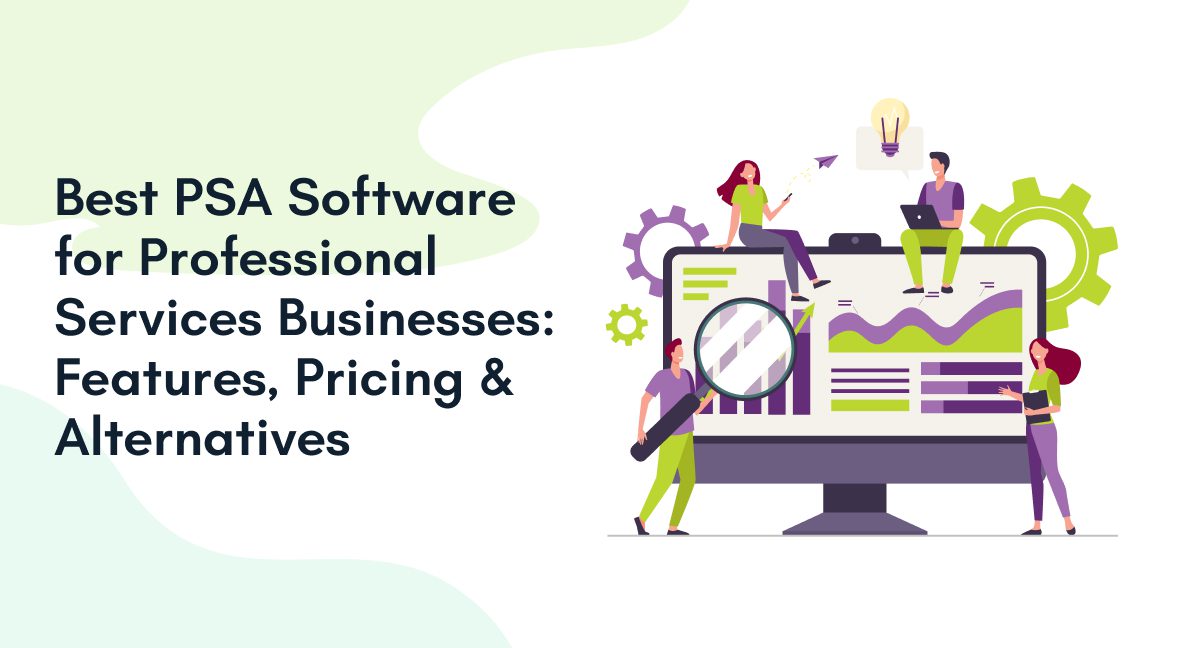
Choosing the best PSA software involves more than comparing features. Professional services businesses need to manage projects, track billable hours, control contracts, and maintain accurate financial records. When these activities run across disconnected systems, teams can lose visibility into project costs, billing, and delivery progress.
Professional services automation software connects these workflows and helps businesses make informed decisions. This guide compares leading PSA tools, explains their key features and pricing considerations, and explores how to choose the right PSA platform for your business.
What Is PSA Software, and Who Needs It?
Professional services automation (PSA) software helps service-based businesses manage project delivery, time tracking, resource allocation, billing, and financial reporting. It connects operational activities with financial information, helping managers monitor project progress and business performance.
According to Gartner’s definition of PSA platforms, these platforms support activities such as project planning, resource allocation, contract management, invoicing and analytics.
PSA software is useful for consulting firms, IT service providers, engineering companies, agencies, and other businesses managing client projects. It becomes particularly valuable when teams need better control over billable hours, project budgets, and invoicing.

What is professional services automation software?
Professional services automation software connects project management, time tracking, resource planning, contracts, and billing. It helps service businesses coordinate delivery, track costs, and improve visibility into project profitability.
What Are the Best PSA Software Options for Professional Services Businesses?
When evaluating the best PSA software for professional services businesses, compare how each platform supports your core workflows. Look beyond feature lists to assess integration capabilities, financial visibility, implementation requirements and the total cost of ownership. These criteria can help you identify the right PSA platform for your business without relying on generic vendor rankings.
| Evaluation criteria | What to look for in PSA software | Why it matters |
| Project management | Project planning, task allocation, and progress tracking | Helps teams monitor delivery and identify delays. |
| Timesheet management | Billable-hour tracking, timesheet approvals, and time records | Improves billing accuracy and visibility into team utilization. |
| Invoice management | Invoice creation, approval workflows, and billing records | Helps teams manage invoicing and reduce manual data entry. |
| Contract lifecycle management | Contract records, approval workflows, renewal tracking, and obligation management | Keeps contractual information accessible throughout project delivery. |
| Financial visibility | Project costs, budgets, billing status and profitability reporting | Helps managers assess project performance and identify financial risks. |
| System integrations | Connections with existing ERP, finance, and enterprise applications | Reduces duplicate data entry and supports consistent information across systems. |
| Scalability and pricing | Flexible plans, user capacity, implementation costs, and support | Helps businesses assess long-term suitability and total cost of ownership. |
How Does Procxo Fit into the PSA Software Ecosystem?
Procxo helps businesses connect existing tools and systems with ERPs, finance tools and enterprise software. Its approach focuses on coordinating project, timesheet, invoice, and contract workflows while maintaining data consistency across systems.
For businesses handling client projects across multiple applications, Procxo can help reduce double data entry, improve financial visibility, and support audit-ready records.
Its key capabilities include:
- Timesheet management: Record working hours to support time tracking and billing.
- Project management: Coordinate project activities and monitor delivery progress.
- Invoice management: Connect invoice workflows with relevant financial information.
- Contract lifecycle management: Manage contract-related information and workflows.
Procxo is worth evaluating when integration with existing systems is a priority. Confirm that its available features, integrations, and reporting capabilities match your specific PSA requirements before selecting it.
Which Features Should You Compare in a PSA Platform?
When comparing PSA tools, focus on capabilities that directly affect delivery, billing accuracy and financial performance.
1. Project and resource management
Look for project planning, task allocation, capacity visibility, and progress tracking. These capabilities help managers identify delivery risks and allocate resources effectively.
2. Timesheet and expense tracking
Accurate time records help businesses understand how much effort projects require. Check whether the platform supports billable hours, approval workflows and expense tracking.
3. Invoice and financial management
Compare billing automation, invoice approvals, project cost tracking, and financial reporting. The right features depend on whether your business uses fixed-fee, retainer or time-and-materials contracts.
4. Contract lifecycle management
Contract management helps teams monitor agreements, obligations, approvals, and renewal dates. Connecting contract information with delivery and billing workflows can improve financial oversight.
5. Integrations and reporting
Check whether the PSA platform connects with your existing ERP, accounting software, and other enterprise applications. Reports should provide useful visibility into project costs, billable time, and financial performance.
These capabilities matter because project success extends beyond meeting deadlines. PMI’s 2024 project management research reported that 74% of surveyed professionals defined project success as being on time, on budget, and delivering a valuable outcome.

Which PSA software features matter most for a growing professional services company?
Prioritize project tracking, resource planning, accurate timesheets, billing, contract management, and financial reporting. Strong integrations are also important when your business relies on multiple systems.
How Much Does PSA Software Cost?
PSA software pricing depends on the vendor, subscription tier, number of users, and capabilities required. Some vendors publish per-user prices, while others offer customized quotes.
Consider these common pricing models:
- Per-user subscriptions: Costs increase with the number of users.
- Tiered plans: Advanced reporting, automation, and integrations may require higher plans.
- Enterprise pricing: Larger organizations may need customized functionality, implementation, or support.
- Implementation costs: Data migration, integrations, training, and configuration can add to the total cost.
Compare the full cost of ownership rather than the subscription fee alone. Ask vendors about billing limits, contract terms, support charges, and integration costs. For Procxo and other quote-based solutions, request a proposal based on your required workflows.
How much does professional services automation software cost?
Pricing varies by vendor, users, features, and implementation requirements. Compare subscription fees, setup costs, integrations, and ongoing support to estimate the total cost of PSA software.
How Do You Choose PSA Software for a Growing Business?
Choosing the best PSA tools for growing businesses starts with identifying the problems your current systems create.
Use this checklist when evaluating vendors:
- Map your workflows: Identify gaps in project delivery, timesheets, invoices, and contracts.
- Check integration requirements: Confirm compatibility with your ERP, finance tools, and enterprise applications.
- Assess financial visibility: Determine whether you can track project costs, billable hours, and invoice status.
- Test real scenarios: Ask vendors to demonstrate your actual approval, billing, and project workflows.
- Review scalability: Check whether the platform can support additional users, projects, and business requirements.
- Calculate total costs: Include subscriptions, implementation, training, and ongoing support.
For businesses already using multiple enterprise applications, a PSA platform that connects existing systems may be more practical than replacing every tool. The right choice should address immediate operational gaps without creating unnecessary implementation complexity.
How do I choose PSA software for my growing business?
Choose PSA software by comparing workflow coverage, integration compatibility, financial reporting, scalability, and total cost. Test your actual project and billing processes before committing to a vendor.
Conclusion
The best PSA software connects project delivery with the financial and contractual information teams need to manage client work. Compare features, pricing, integration requirements, and business fit before choosing a platform.
Procxo helps businesses connect existing systems and coordinate timesheets, projects, invoices, and contract workflows. If improving data consistency and financial visibility is a priority, evaluate how Procxo fits your current processes.
FAQs
The best software depends on your service model and operational needs. Compare various platforms based on project management, billing, reporting, and integration requirements.
Project management software primarily supports tasks, schedules, and delivery. PSA software typically adds capabilities such as timesheet tracking, billing, resource management, and project financial reporting.
Yes. Small professional services businesses can benefit from PSA tools when manual tracking and disconnected systems make project costs, billable hours, or invoicing difficult to manage. Choose a solution that fits your current needs and budget.
Many PSA platforms offer integrations with business applications, but available connections vary. Verify supported ERP, CRM, and finance integrations, data synchronization requirements, and any additional implementation costs.